Run 3
Animal Obby
Rainbow Obby
Obby Tag
Big Neon Tower Vs Tiny Square
Sword Road
Super Falling Fred
Sweet Ball Sprint
Under The Red Sky
Chrome Dino Run
Rhino Rush Stampede

Dark Runner
Draw My Path Obby — Play Free Online
Skill & ArcadePlay Draw My Path Obby free online in your browser. Master 3D obstacle courses, line up precise jumps, and reach every checkpoint.
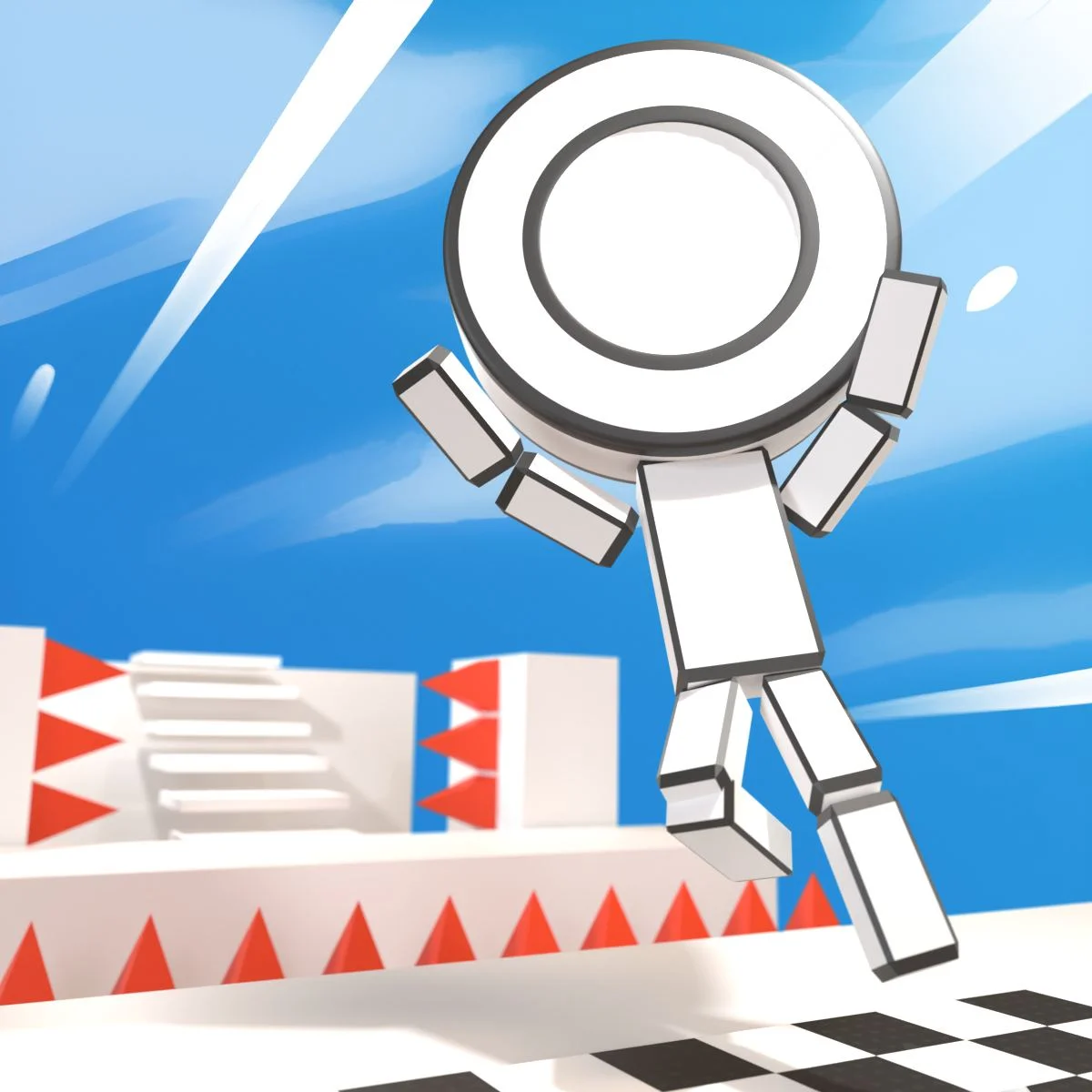
Draw My Path Obby is a 3D obstacle course platformer that challenges your timing, spatial awareness, and aerial control. You guide a character through a sequence of floating stages filled with narrow pathways, sudden drop-offs, and tricky hazards. The game blends parkour movement with calculated route planning, requiring players to gauge momentum carefully before stepping into danger.
Sessions move at a steady, methodical pace. Rather than relying purely on frantic reflexes, you often need to stop, rotate your view, and plot the safest line across precarious footholds. For players visiting through Run 3 who enjoy testing their spatial navigation across geometric courses, this obstacle run delivers a satisfying test of precision platforming.
How to play
Getting through each course requires coordinating your movement keys with continuous camera adjustments:
- WASD or Arrow keys: Walk forward, step backward, and strafe sideways across platforms.
- Space: Jump upward to clear gaps, hop onto elevated blocks, or avoid floor hazards.
- Mouse: Rotate the camera to scan surroundings, look down at footing, and center your jumping line.
Each level is divided into progressive sections marked by checkpoints. When traversing floating blocks, build just enough forward momentum before pressing the jump key. If a gap appears too wide, seek out alternate stepping stones or elevated ledges that offer a better angle of approach. Reaching the end marker of each stage unlocks the subsequent challenge.
Tips
- Align the camera before leaping: Face your camera directly along the line of travel so pushing forward moves your runner straight onto the target block.
- Use short taps for fine positioning: Holding movement keys can carry you over the edge of narrow beams. Tap lightly when stopping near borders.
- Survey the layout first: Take a moment at each safe platform to locate upcoming hazards or moving obstacles before committing to a run.
- Control jump timing: Wait until your character reaches the outer lip of a platform before jumping to maximize horizontal distance.
Similar games on Run 3
If you enjoy the obstacle course mechanics of Draw My Path Obby, explore other platforming challenges available on Run 3:
- Run 3: The signature endless tunnel runner that lets you rotate entire corridors by leaping onto side walls.
- Up Together: A vertical parkour obstacle challenge where players climb sky-high towers with strict timing.
- G-Switch: A rapid-fire runner built around flipping gravity up and down across intricate floating tracks.
Questions about Draw My Path Obby
How do you control the camera in Draw My Path Obby?
Move your mouse to look around and orient your camera angle, which helps you align jumps and gauge distances accurately across courses.
Can I play Draw My Path Obby on mobile devices?
Draw My Path Obby is designed primarily for desktop web browsers using keyboard and mouse controls for optimal movement precision.
What happens when you fall off a platform in Draw My Path Obby?
Falling off a ledge resets your character back to the most recently activated checkpoint so you can retry the section immediately.
Is Draw My Path Obby free to play in the browser?
Yes, the full game runs directly inside any modern web browser without requiring extra software downloads or plugin installations.